About

I design, test and build
UX/UI designer with experience in consulting, research and enterprise settings. I design complex applications, from user research and ideation to interactive prototypes and implementation.
I like problems that look messy at first, and I'd rather test a rough prototype with real people than polish the wrong idea.
Experience
- Since 2026UX/UI Designer, OWT (Swisscom Digital Technology), Zurich
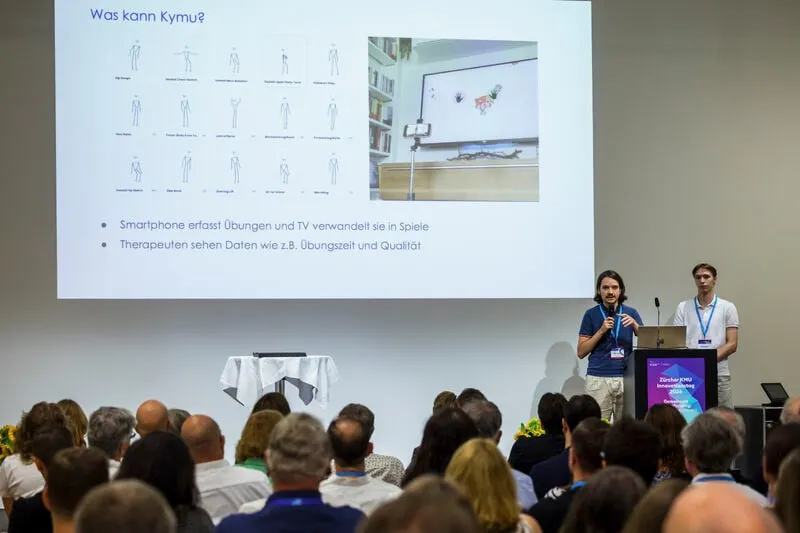
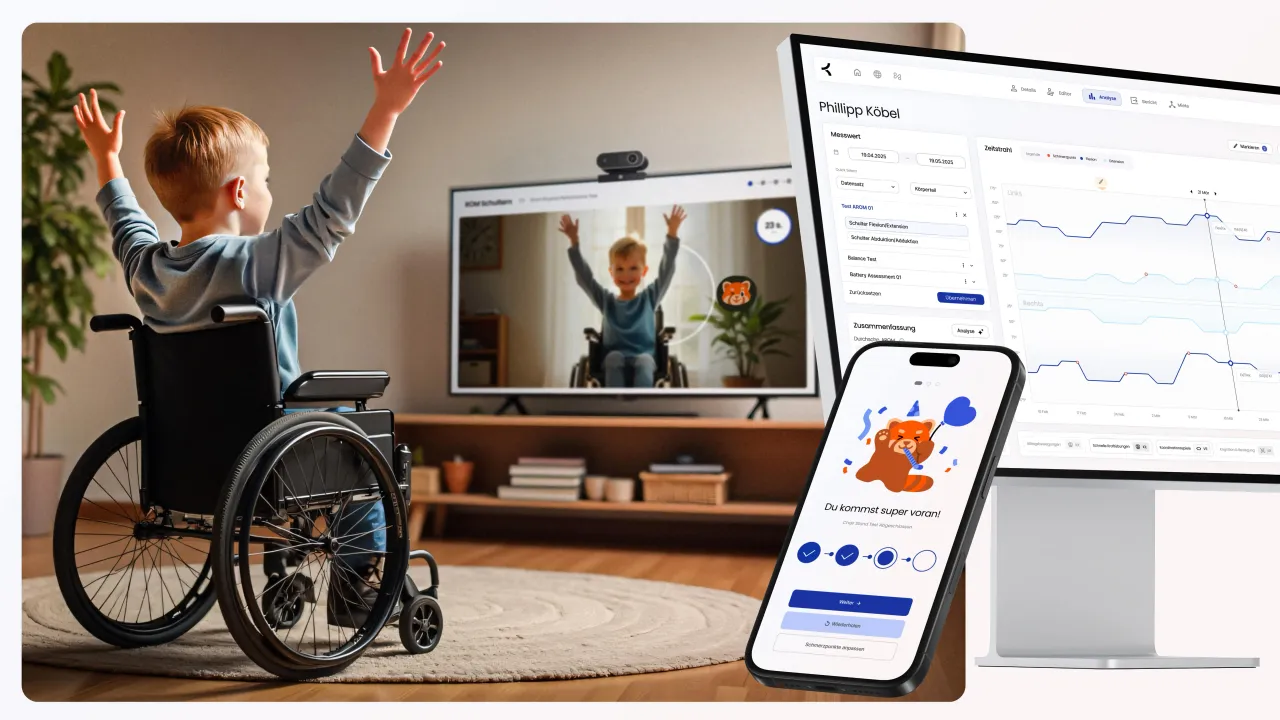
- Since 2026Product Designer, Research Associate, Kymu, Zurich
- 2025–26UX Engineer (civil service), Sensory-Motor Systems Lab, ETH Zurich
- 2024HMI Designer, internship, Volkswagen, Wolfsburg
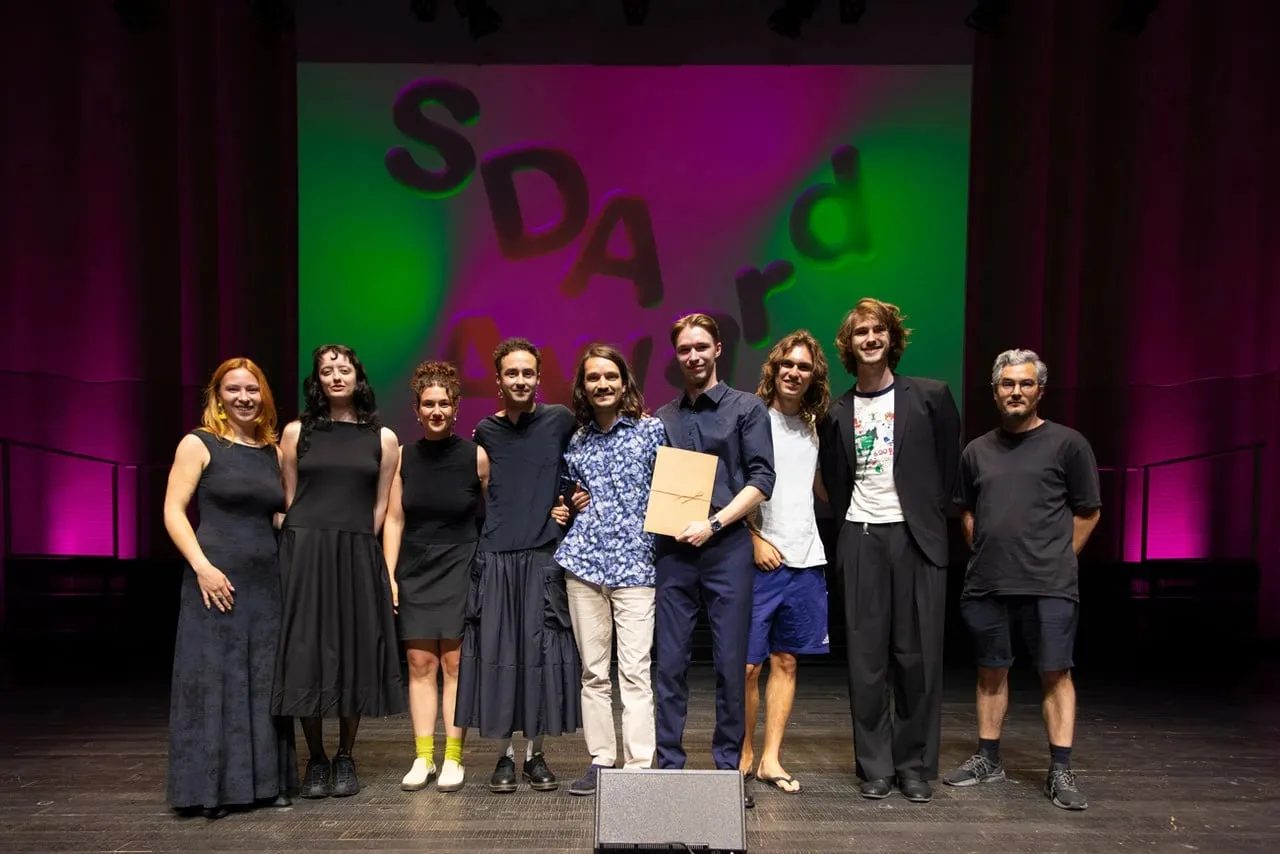
- 2022–25BA Interaction Design, Zurich University of the Arts (ZHdK)
Recent milestones

How I spend my time
Outside work I build things at home, 3D print, draw in a sketchbook and enjoy reading. Some of my recent activities:
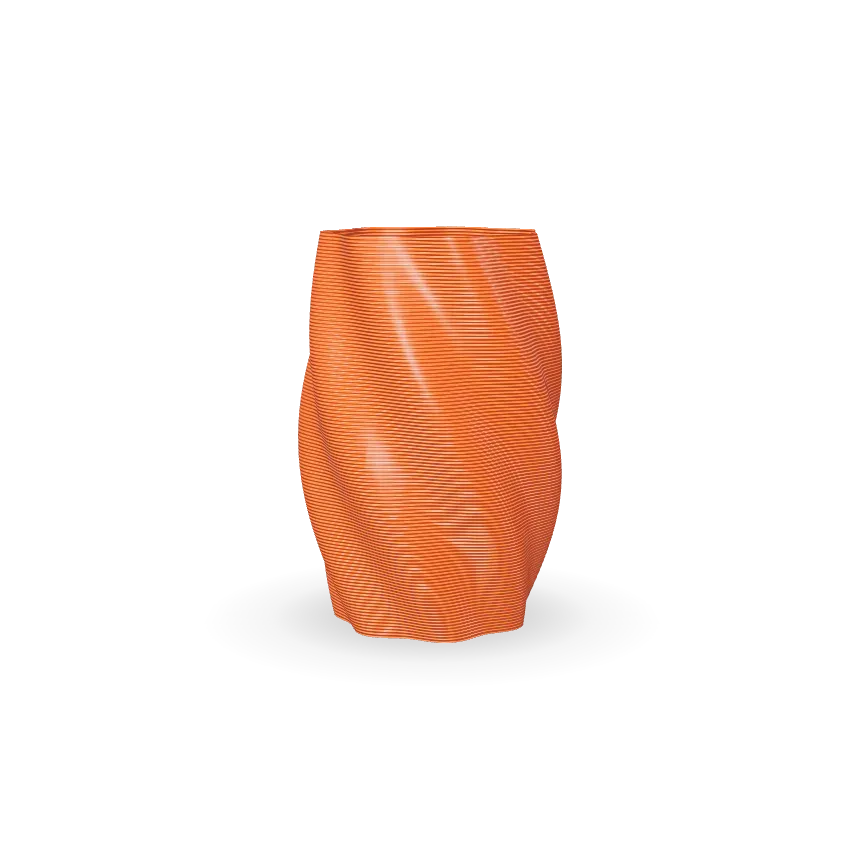
Another 3D printed vase
The printer is always running, sometimes for rather useless stuff.
Another vase, printed in one continuous spiral, building itself layer by layer. Drag up or down to scrub the layers, sideways to turn it. On a phone, press and hold, then drag. With a keyboard, use the arrow keys; Home and End empty or fill it.
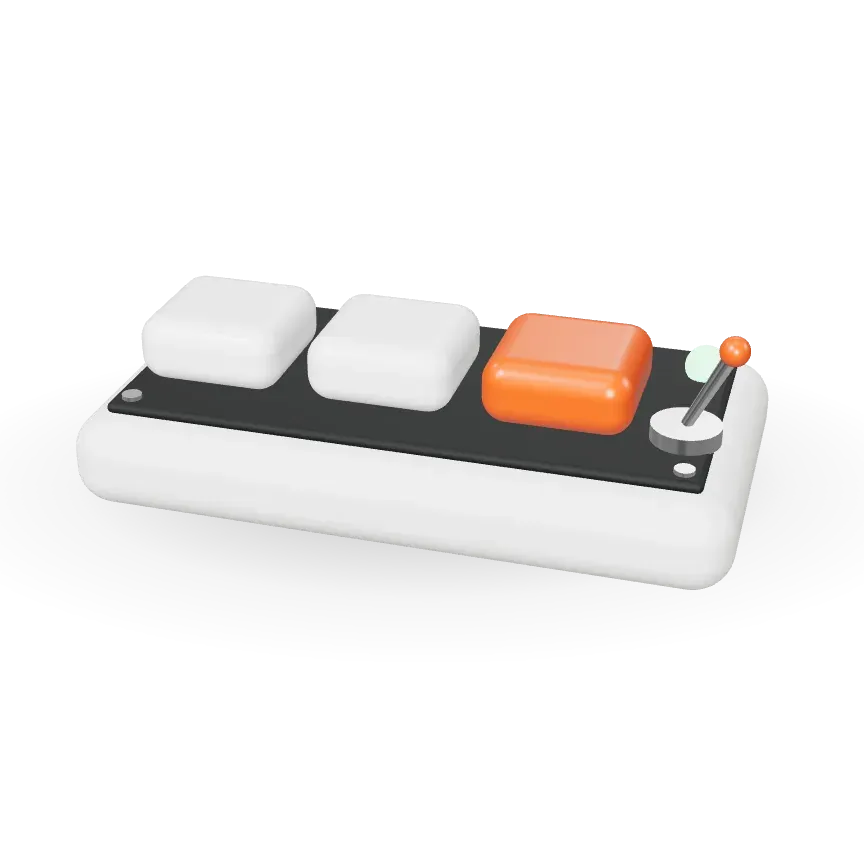
Custom keyboard
Currently designing and building a custom keyboard.
A custom keyboard I'm designing and building, shown here as a three-key stand-in with an LED and a toggle switch. Click or tap a key to press it, and the toggle to switch the light. Drag sideways to turn it. With a keyboard: 1, 2 and 3 press the keys, Enter flips the toggle, arrow keys turn it.
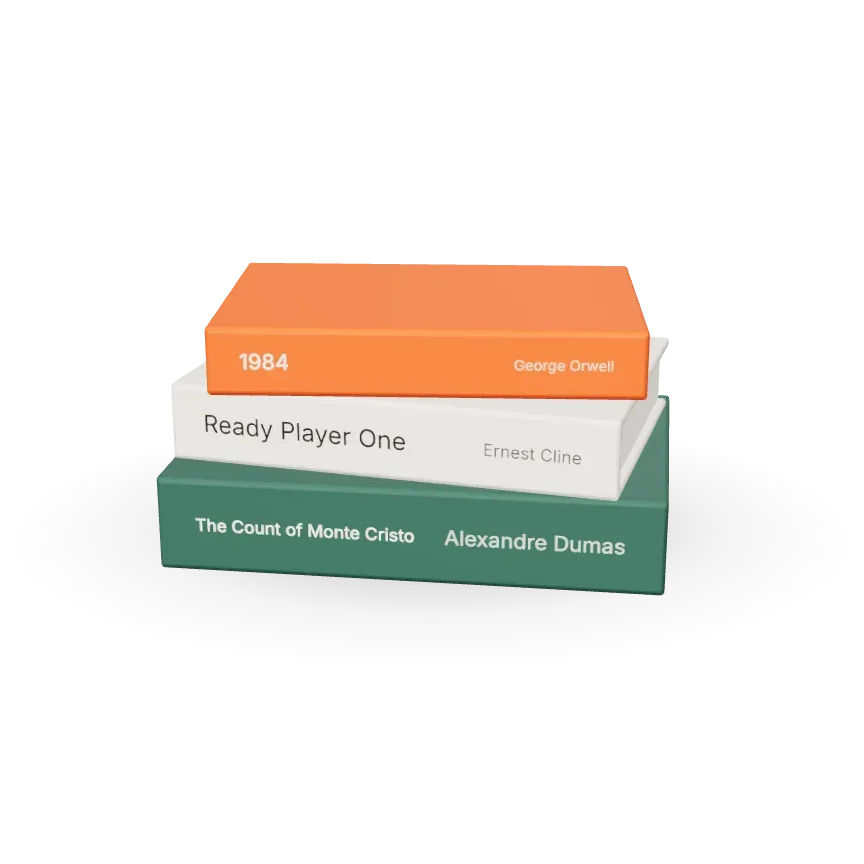
On my desk
Some of my favourite novels I read in the last few years.
Some of my favourite novels from the last few years, stacked, each with my rating. Hover or tap a book to slide it out and see my rating. Drag sideways to turn the stack. With a keyboard: up and down arrows pick a book, Escape puts it back.
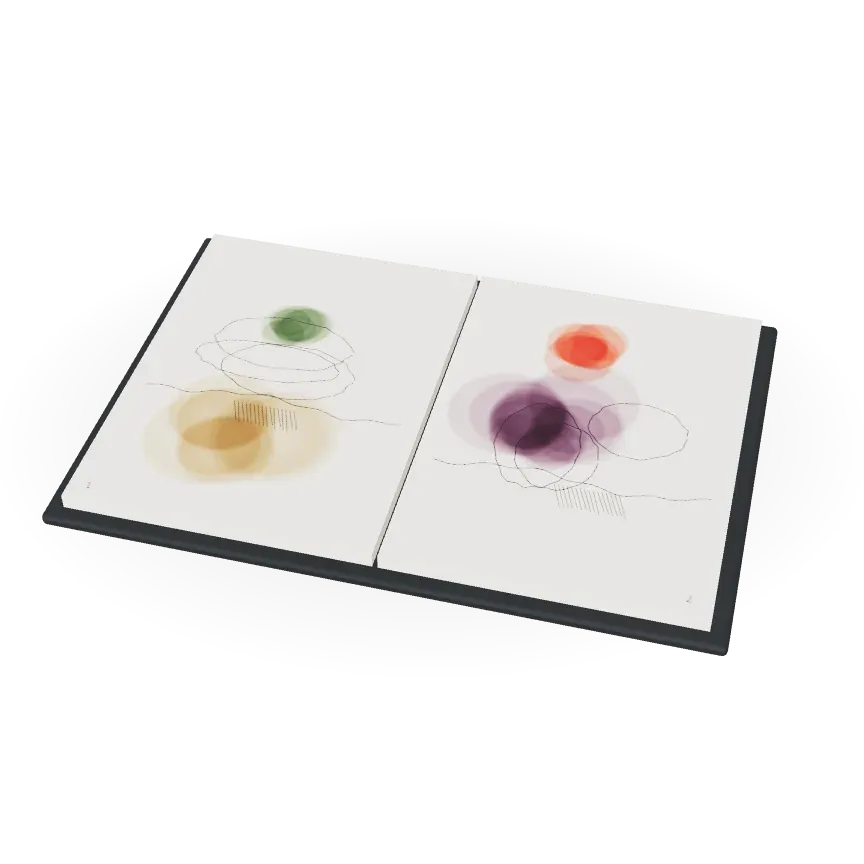
2026 sketchbook
Documenting travels and events in watercolour.
My 2026 sketchbook, with travels and events in watercolour. Turn the pages. Click or tap to turn the page. Drag sideways to turn the book. With a keyboard: Enter or Space turns the page, arrow keys turn the book.
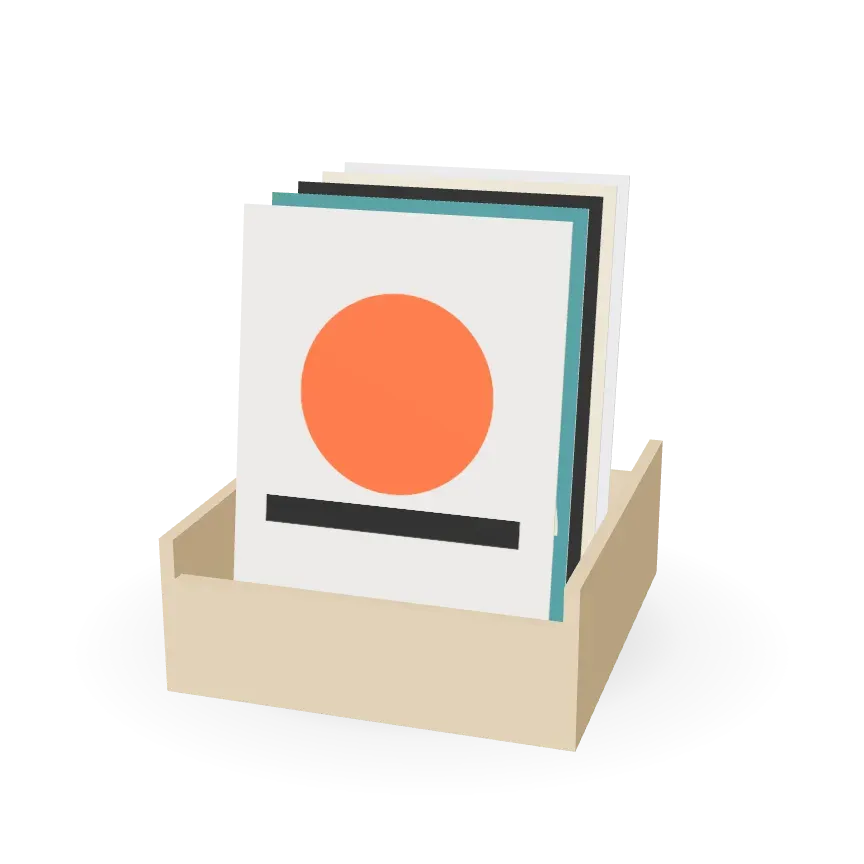
Some graphic design
I've been planning to continue the poster series for the last 4 years…
Some graphic design: a crate of posters from my poster series. Flip through it. Hover or tap a poster to lift it out of the crate. Drag sideways to turn the crate. With a keyboard: up and down arrows pick a poster, Escape puts it back.